

Gemini Watermark Remover
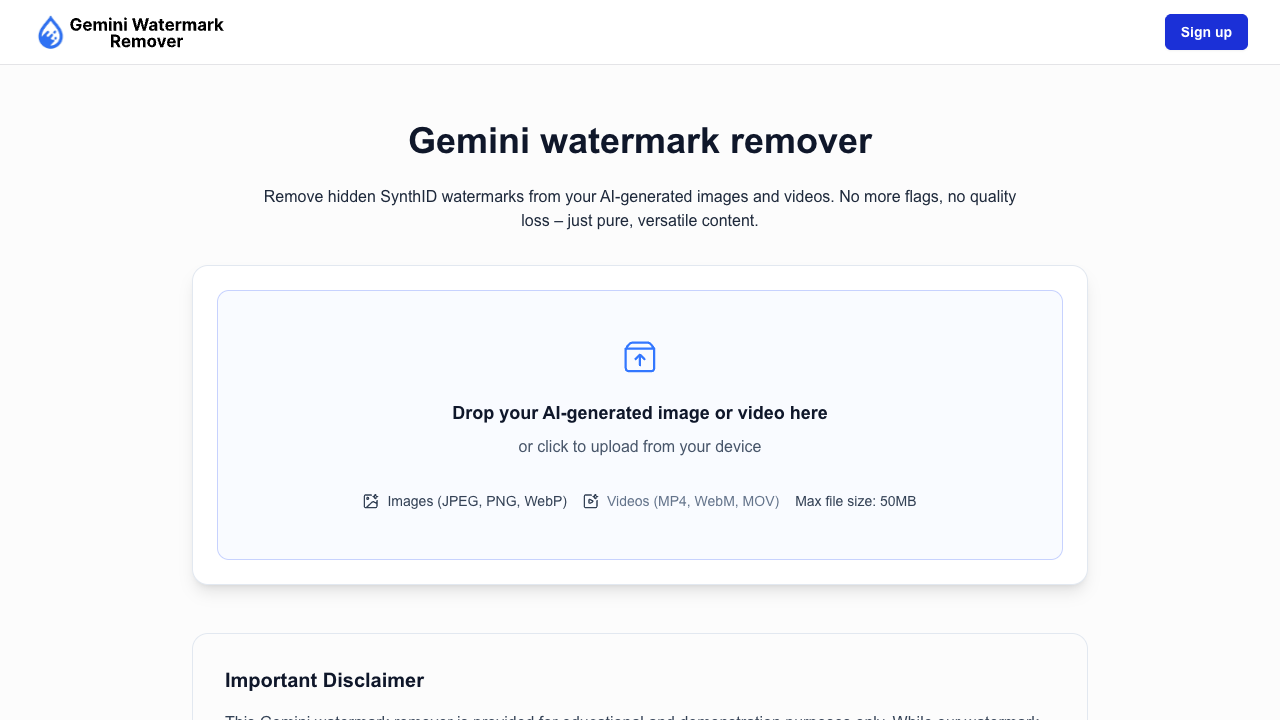
Click to visit website
About
Gemini Watermark Remover is a client-side tool that uses controlled, pixel-level image processing to reduce or remove subtle, embedded watermarks, such as SynthID, from AI-generated images (JPEG, PNG, WebP). Unlike visible overlays or removable metadata, Gemini watermarks are woven into the image's pixel structure, making traditional editing ineffective. This tool operates entirely in the user's browser, ensuring files remain private and local. It supports bulk processing and preserves visual quality, sharpness, and original format. The technology uses frequency-aware image processing to apply subtle adjustments that are invisible to the human eye but effective at disrupting watermark patterns, providing cleaner, professional, and client-ready results for creative, research, or private use. Video and audio support are planned for future updates.
Platform
Features
• client-side (local) processing
• supports offline use (once loaded)
• works in modern browsers (chrome, firefox, safari, edge)
• maintains original format and resolution
• removes embedded (synthid) watermarks
• supports jpeg, png, and webp formats
• preserves original image quality
• bulk image cleaning
FAQs
Is this Gemini watermark remover guaranteed to work?
No. Our Gemini watermark remover is provided for educational and practical use, but results are not guaranteed in every case. Effectiveness can vary based on the image itself, watermark complexity, resolution, compression level, and background detail.
Does Gemini add watermarks to generated images?
Yes. Images generated through Gemini can include watermark signals designed to identify or track generated content. These marks are often blended into the image structure, making standard editing tools insufficient for removal.
How does your Gemini watermark remover work?
We clean images using controlled, pixel-level image processing. We apply subtle adjustments across the image that help reduce watermark interference while keeping the image visually unchanged. Everything runs locally in your browser.
Will the image look different after cleaning?
No visible changes should appear. The adjustments are extremely small and not noticeable to the human eye. Colors, sharpness, edges, and textures remain intact.
Which image formats are supported?
Our Gemini watermark remover currently supports JPEG/JPG, PNG, and WebP files. Cleaned images are exported in the same format you uploaded.
Does the tool support video or audio watermark removal?
At the moment, we support image watermark removal only. Support for video and audio formats is planned for future updates. We are actively expanding capabilities.
How long does it take to clean Gemini images?
Processing time depends on image size; smaller images finish faster. Because we work at the pixel level, cleanup takes more time than basic re-exporting. Everything runs on your device.
Are my images uploaded to a server?
No. All processing happens directly in your browser. We don't upload, store, or log your images. You stay in full control of your files from upload to download.
Can we clean multiple Gemini images at once?
Yes. Bulk processing is fully supported. You can upload multiple images, run the cleanup in one action, and download everything together or individually.
Will removing SynthID watermarks affect our Gemini image quality?
No. We apply extremely small, controlled pixel-level adjustments that are not visible to the human eye. Image size, colors, contrast, and brightness remain consistent with the original.
How effective is the Gemini watermark removal?
Our approach is designed to significantly reduce watermark detectability while keeping the image visually unchanged. Complete removal, however, cannot be guaranteed in every scenario.
Which browsers do we support?
Our Gemini watermark remover works in all modern browsers, including Chrome, Firefox, Safari, and Edge. We recommend using the latest version for the best experience.
Can we use the tool offline?
Yes. Once the page is loaded, the tool can function without an internet connection because all processing is local. This is ideal for privacy-focused workflows.
Is watermark removal legal?
That depends on how and where you use it. Removing watermarks without proper rights could violate terms of service or laws. It's your responsibility to ensure legal compliance.
Can we use this tool on mobile devices for Gemini images?
Yes. You can use our tool on mobile devices as long as you're using a modern browser. However, desktop is recommended for bulk work due to mobile memory limitations.
Pricing Plans
Free
Free Plan• Client-side processing (Local)
• Supports JPEG, PNG, WebP formats
• Bulk image cleaning
• Preserves image quality
• Max file size: 50MB
Job Opportunities
There are currently no job postings for this AI tool.
Ratings & Reviews
No ratings available yet. Be the first to rate this tool!
Alternatives

WatermarkRemover.io
WatermarkRemover.io is a free AI online tool that removes watermarks from images, videos, and PDFs in seconds, preserving original quality for professional visuals.
View Details
DeWatermark.AI
DeWatermark.AI is an AI-powered tool that automatically removes watermarks from photos, offering both automatic detection and a manual AI brush for precise results.
View DetailsFeatured Tools

adly.news
adly.news is a free platform that simplifies newsletter advertising, connecting businesses with engaged audiences through ad slots, offering bidding, negotiation, and messaging.
View Details
AI Dubbing
AI Dubbing is a free AI video dubbing tool that uses advanced AI technology to provide natural, smooth, high-quality dubbing services, supporting 20+ languages and 100+ tones.
View Details
Infatuated.AI
Infatuated.AI is an AI companion platform allowing users to chat, roleplay, and build personalized relationships with AI girlfriends and boyfriends, offering emotional support and secure fantasy sharing.
View Details
ImgGen
ImgGen is the free AI editor that edits photos and turns images into videos in seconds, offering instant creativity all in one place.
View Details
Nano Banana
Nano Banana is a state-of-the-art AI model that revolutionizes text-based image editing and generation with unmatched multi-image fusion and natural language understanding.
View Details
Macaron
Macaron is the world’s first personal AI agent designed to help you live better by focusing on happiness, health, and freedom, unlike typical productivity tools.
View Details
VISBOOM
Visboom is the all-in-one AI fashion content creation platform, enabling brands and e-commerce sellers to generate on-model photoshoots and visual assets quickly.
View Details
Banana AI
Banana AI is an advanced AI photo editor powered by Google’s Nano Banana technology (Gemini 2.5 Flash Image), enabling effortless image editing, restyling, and transformation with simple text prompts.
View Details
twainGPT
twainGPT is a humanizer that transforms any AI-generated text into undetectable, human-like content, trusted by over 2.3 million users.
View Details
AI Image Editor
AI Image Editor is a free online tool to edit, transform, and enhance photos with a text prompt, achieving fast, consistent, high-quality results.
View Details