Senior Data Scientist
Show more details

Succeed in your next job interview with real-time AI suggestions tailored to your resume and the specific questions asked, delivered discreetly to your phone.
$9/one-time
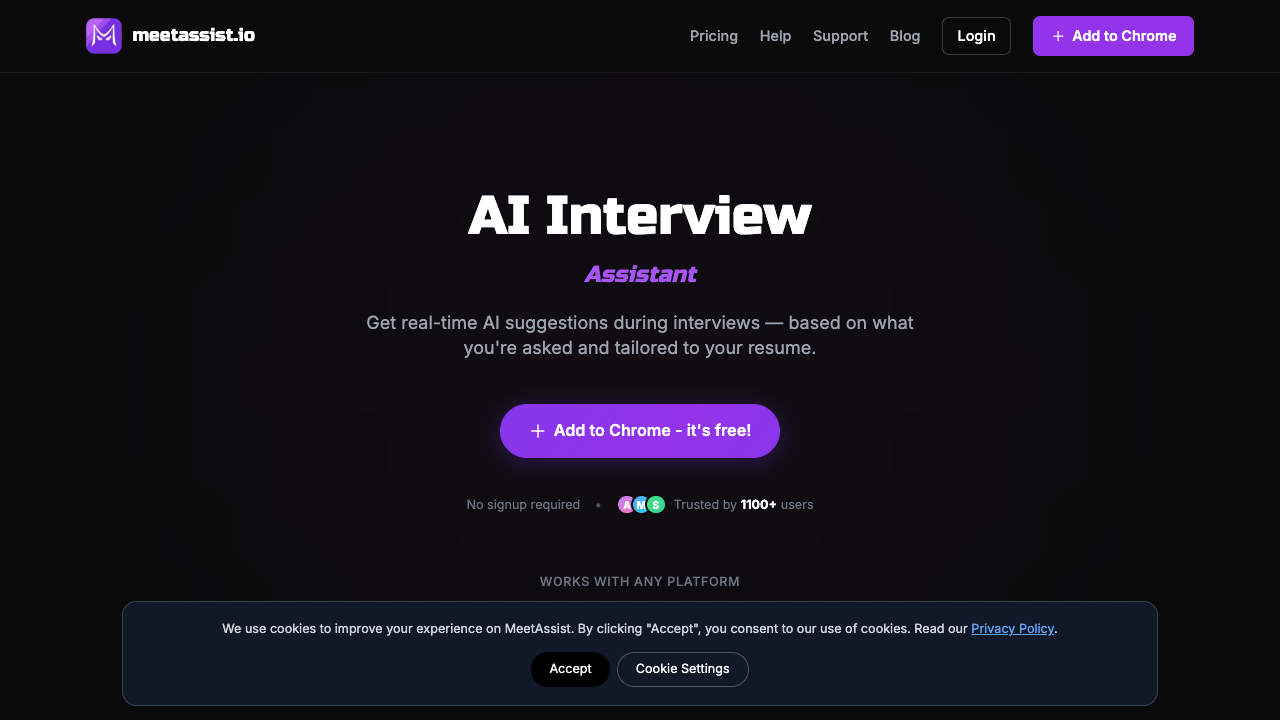
MeetAssist is a specialized Chrome extension designed to provide real-time, discreet assistance during virtual job interviews. The tool operates by listening to the audio stream of a meeting and generating contextual suggestions for both behavioral and technical questions. Unlike many interview aids that require a visible bot to join the call, MeetAssist runs entirely within the user's browser, ensuring it remains invisible to the interviewer and does not disrupt the flow of the conversation. It supports major meeting platforms including Google Meet and Microsoft Teams, providing a layer of confidence for candidates navigating high-pressure hiring processes. The tool features a unique "Phone Mode" that allows users to sync their mobile device by scanning a QR code. This setup streams live transcripts and AI-generated answers directly to the user's phone, keeping the primary meeting screen clean and free from distracting overlays. Beyond verbal questions, MeetAssist includes an "Analyze Any Tab" feature specifically built for technical assessments. This allows the AI to capture content from coding platforms like LeetCode or HackerRank, providing step-by-step logic explanations and time/space complexity analysis to help candidates solve complex programming challenges on the fly. MeetAssist is ideal for software engineers, developers, and professionals across various industries who want to ensure their responses align with their documented experience. Users can upload their resumes and provide custom instructions to tailor the AI's tone and detail level. The system supports multiple advanced LLMs, including GPT-4, Claude, and Llama, allowing users to choose the model that best fits the specific nature of their interview. With support for over 40 languages, it is also a valuable resource for candidates interviewing in their non-native language or for international positions. What sets MeetAssist apart is its focus on privacy and its user-friendly pricing model. The service follows a strict privacy policy where audio is never recorded or stored, only processed for real-time transcription. Furthermore, it rejects the traditional subscription model in favor of one-time payments. This is particularly beneficial for job seekers who may only need the tool for a few weeks or months. By offering flexible passes ranging from a 20-minute trial to an unlimited monthly access period, the platform provides professional-grade interview support without the burden of recurring fees.
Is MeetAssist free? Yes, MeetAssist has a free plan, and paid plans start at $9 / one-time.
Free
$9 / one-time
$29 / month
No, the tool runs entirely in your Chrome browser and does not join the meeting as a bot or notify other participants. Your interviewer will not be able to see or detect the extension during the call.
MeetAssist currently supports Google Meet and Microsoft Teams. The developers have indicated that support for Zoom is scheduled to be released in December 2025.
No, the tool does not record or store any audio or video content. It captures real-time captions directly from the browser for transcription purposes and uses encrypted connections for data security.
Yes, you can switch the transcription and AI response language at any time. The tool supports 41 different languages, allowing for localized help during international interviews.
You can use the 'H' key on your keyboard as a hotkey to toggle the MeetAssist interface on or off instantly. This allows you to hide or show suggestions whenever needed without using your mouse.
Show more details
Show more details
No reviews yet. Be the first to share how MeetAssist worked for you.
Secure your dream job with real-time AI interview assistance that listens to live conversations and provides instant suggestions for both PC and mobile users.
Streamline your interviewing process by converting resumes into structured AI cue cards and generating tailored interview questions to evaluate candidates efficiently.
Land top-tier tech and consulting roles with real-time AI assistance that listens to interviewers and streams personalized, expert-level response suggestions.
Ace live job interviews with real-time AI assistance providing personalized, context-aware answers based on your resume and experience in under one second.
Boost your interview performance with real-time AI assistance, voice transcription in 57 languages, and instant technical problem solving for job seekers.
Excel in technical job interviews with real-time AI assistance that listens to your video calls and provides instant answers for various engineering and data roles.
Prepare for your next career move or streamline corporate hiring with AI-powered avatar interviewers, real-time sentiment analysis, and automated evaluations.
Save 8+ hours per week by automating interview notes and ATS updates with a botless AI assistant built specifically for high-performance recruitment agencies.
AI-powered job interview platform for fair and accessible hiring.
Test your knowledge in live multiplayer Jeopardy-style trivia battles with AI-assisted grading that recognizes correct answers even with spelling mistakes.
Connect with engaged niche audiences or monetize your subscriber base through an automated marketplace featuring verified metrics and secure Stripe payments.
Track brand citations and mentions across Google AI Mode, ChatGPT, Claude, and more. Discover top-cited sources and queries with zero signup required.
Monitor brand citations and prompt visibility across Google AI Overviews, ChatGPT, Perplexity, Claude, and Gemini with free 30-day answer engine reports.
Generate cinematic videos with synchronized audio and multi-modal references. Empower creators and marketers to direct consistent characters, action, and sound.


