
OpenAI Launches macOS Appshots to Give Codex AI Instant Desktop Context for Coding
OpenAI’s new Appshots feature brings deep macOS integration to Codex, powering autonomous agents that can see, read, and code.
May 22, 2026
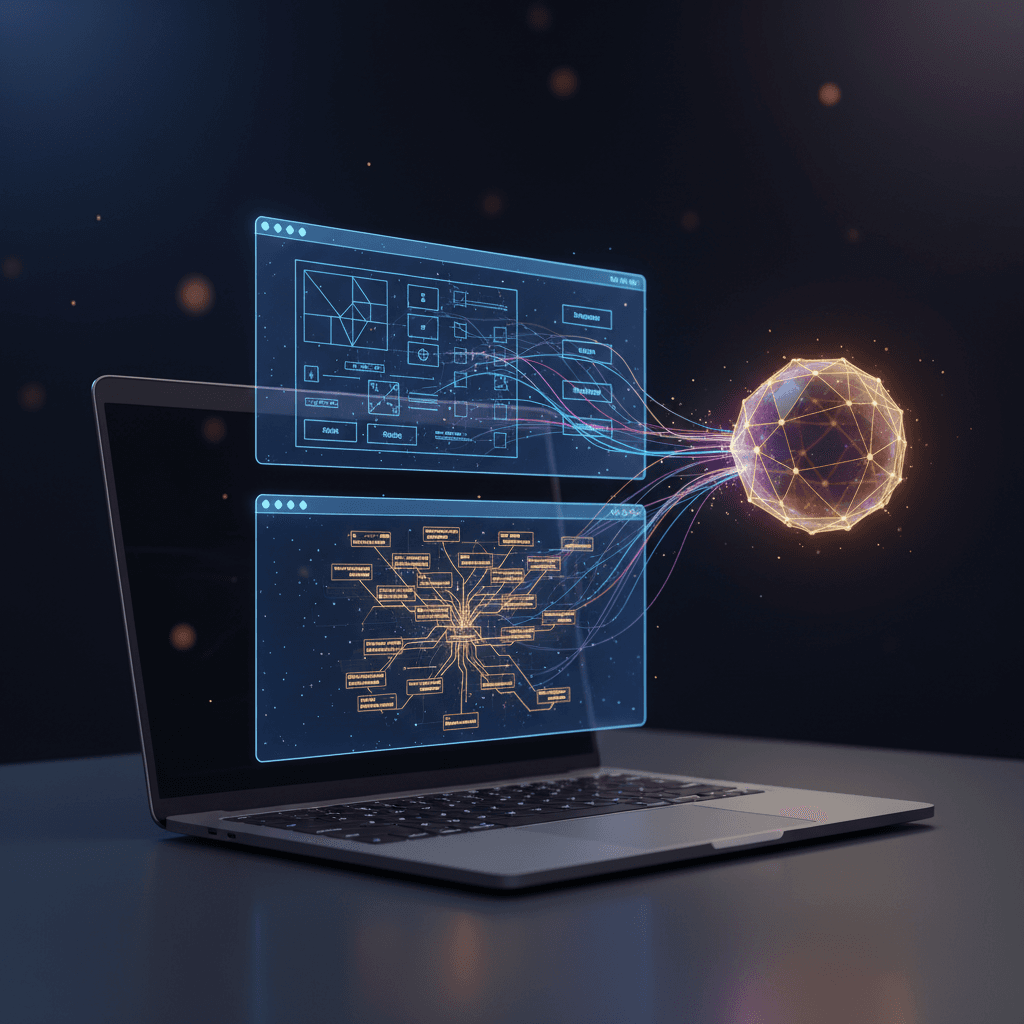
The friction between human intent and machine understanding has long been one of the primary bottlenecks in modern software development. While large language models have grown exponentially more capable at generating, refactoring, and debugging code, developers have still found themselves bogged down by the manual labor of translating their desktop environment into a prompt. Copying error logs, taking cropped screenshots of visual bugs, pasting API documentation, and describing user interface layouts have remained tedious prerequisites to getting meaningful assistance. OpenAI is aiming to eliminate this workflow friction with the introduction of Appshots, a new feature built into the Codex desktop application for macOS[1]. Designed to seamlessly bridge the gap between a developer’s active screen and their AI assistant, Appshots allows Mac users to instantly transmit the entire context of any open window directly into Codex with a simple, native keyboard shortcut[1][2]. This capability marks a significant shift toward deep operating system integration, transforming the desktop into a rich, living canvas of context for autonomous coding agents.
At the heart of Appshots is a dual-layered capture mechanism that extracts far more than just a simple image of the active screen[3]. By pressing the Command key twice on their keyboard, or utilizing a custom hotkey, users trigger a process that captures both a high-fidelity visual screenshot and a structured, semantic text feed of the frontmost window[2][3]. On the visual side, the application leverages macOS's native ScreenCaptureKit framework, a library designed to isolate and grab individual application windows cleanly without capturing background noise or unrelated desktop elements[3]. Simultaneously, Codex accesses the system's Accessibility APIs to extract the application's underlying text tree[3]. This is a critical technical distinction: rather than relying solely on optical character recognition to read text from an image, Codex reads the structured text exposed for assistive technologies[3]. This integration allows the model to capture and process content that is currently hidden from view, including text that has not yet been scrolled into the active viewport[1][3]. The resulting payload is attached directly to the active Codex thread, operating natively in the background without requiring the user to interrupt their primary flow[1][2].
This frictionless transfer of context opens up a wide range of practical applications for software developers, product managers, and designers. For programmers facing an obscure compiler error or configuration issue, taking an Appshot of the terminal window or settings panel instantly feeds the precise diagnostic state to Codex without manual copying[2]. When writing code against a new or complex framework, a developer can simply bring their web browser to the front, trigger the shortcut over an API reference page, and ask Codex to write a script utilizing those specific guidelines[2]. Similarly, designers and front-end developers can share design views, code previews, or mobile simulators, prompting Codex to analyze visual layouts and automatically adjust CSS, Swift, or React code to match the expected design[2]. The feature is designed to respect user workflows, automatically appending the Appshot to the current thread if the user has interacted with Codex within the last sixty seconds, or seamlessly initiating a new conversation if they are starting a fresh task[2].
The launch of Appshots is part of a broader, aggressive push by OpenAI to transition Codex from a reactive chat companion into a proactive, autonomous agent capable of long-horizon task execution[4]. Accompanying the Appshots feature is the official graduation of Goal Mode from an experimental tool to a core component of the Codex app, IDE extensions, and command-line interfaces[1][5]. Goal Mode allows users to set specific milestones and let the agent work continuously in the background over hours or even days, allowing developers to check in, steer, or pause the process as needed[1][5]. Furthermore, OpenAI has introduced remote computer use capabilities, enabling Codex to securely operate macOS applications even when the host machine is locked and the display is off[4]. By coupling the instant context gathering of Appshots with the persistent execution of Goal Mode and locked-screen system automation, OpenAI is building an ecosystem where developers can hand off complex, cross-application workflows and let Codex handle the heavy lifting while they are away from their desks[4].
The implications of this update stretch far beyond simple convenience, signaling an intense competitive phase in the artificial intelligence sector focused on desktop and operating-system level integration. As frontier AI labs seek ways to make their models more useful in professional environments, the battleground has shifted from web-based chat interfaces to native desktop clients that can read, understand, and interact with the user’s entire digital workspace[6][4]. By accessing macOS's accessibility architecture, OpenAI is setting a technical precedent that moves past raw computer vision, utilizing semantic system data to give models a cleaner, more accurate understanding of software states[3]. This puts direct pressure on competing developer ecosystems, such as Anthropic’s command-line agent SDKs and integrated development environment extensions like Replit[7]. The rapid evolution of these tools suggests that the future of software development will not be defined by writing code line-by-line in an isolated editor, but rather by guiding autonomous agents that possess a comprehensive, real-time awareness of the entire operating system[4].
Ultimately, features like Appshots reflect a deeper philosophical change in how humans and artificial intelligence collaborate. By reducing the physical and cognitive effort required to share context, OpenAI is paving the way for a more intuitive, conversational relationship with computers[2][5]. When an AI can see what a developer sees, read what they are reading, and dynamically interact with the applications they use, the computer ceases to be a passive tool and becomes an active, collaborative partner[2][4]. As these agentic capabilities continue to mature, the traditional barriers of software engineering will continue to lower, allowing developers to focus on high-level architecture and creative problem-solving while their AI assistants handle the intricate mechanics of implementation, debugging, and system navigation[6][4].