
Detect and strip hidden AI Unicode markers and rewrite sentences to eliminate statistical ChatGPT watermarks for writers, students, and content creators.

Gemini Watermark Remover
Cleanse Gemini-generated images and videos of hidden SynthID watermarks to ensure privacy and professional quality without any loss in resolution or pixel detail.
Free plan available
$9/mo
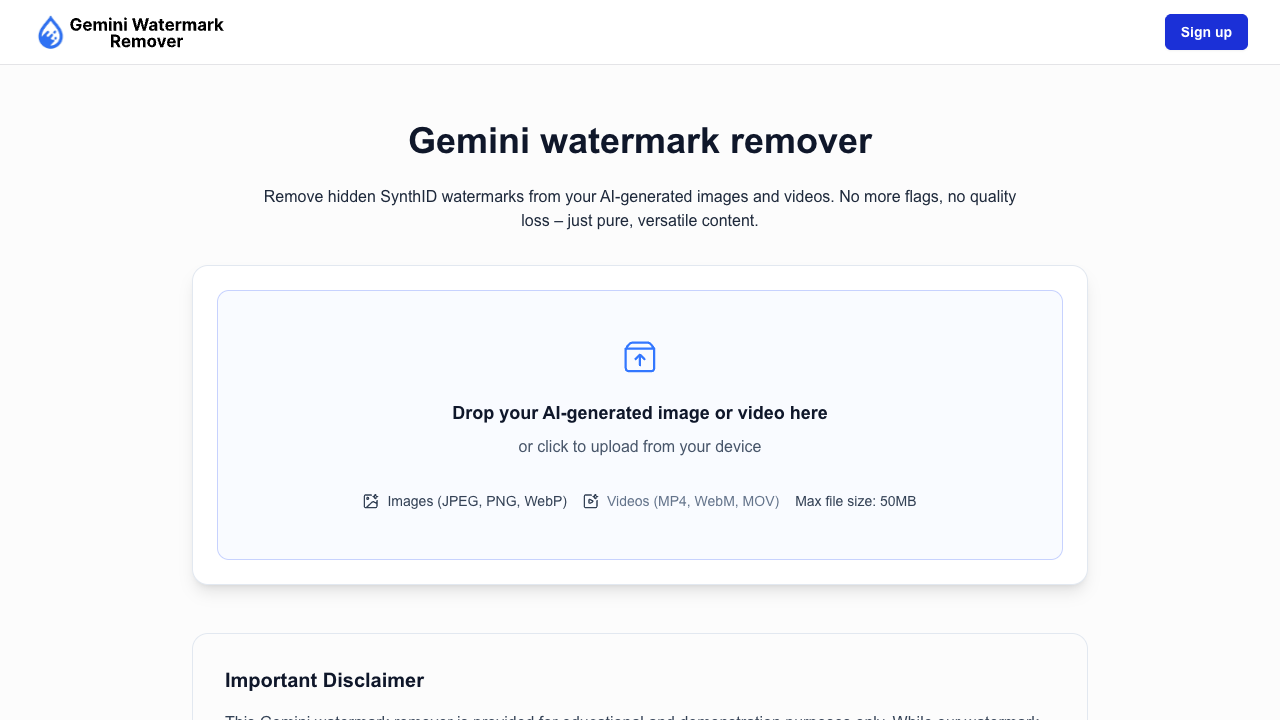
About Gemini Watermark Remover
Gemini Watermark Remover is a specialized utility designed to detect and eliminate hidden digital watermarks from media generated by Google’s Gemini AI. Unlike traditional watermark removal tools that focus on visible overlays or basic metadata tags, this platform targets the sophisticated SynthID system. This system embeds identification signals directly into the pixel structure of an image, making them resistant to standard editing techniques like cropping, resizing, or format conversion. The primary purpose of the tool is to provide users with clean, professional-grade assets that are indistinguishable from original human-made content, ensuring that AI-generated origins do not interfere with creative or professional presentation. The technology behind the tool utilizes a frequency-aware image processing approach. Instead of applying broad blurs or destructive filters, it analyzes the visual patterns across different frequency layers to apply minute, structured pixel adjustments. These changes are designed to be completely invisible to the human eye, preserving the original resolution, color accuracy, and sharpness of the file. The workflow is streamlined for ease of use: users simply drag and drop their JPEG, PNG, or WebP files into the browser-based interface. The tool then performs a multi-step cleanup and refinement process, all while utilizing GPU acceleration to ensure fast results without requiring any software installations or server-side processing. This tool is ideally suited for a variety of professional roles, including graphic designers, marketing agencies, and corporate content creators who need to integrate AI-generated visuals into polished brand campaigns. It is also a valuable resource for researchers and developers who require clean samples for image analysis or internal testing. By removing invisible identifiers, users can maintain complete control over their creative workflow and protect their privacy by not disclosing the specific AI models used in their production process. This is particularly relevant for sensitive industries where data handling and content origin are strictly monitored. What sets Gemini Watermark Remover apart is its commitment to absolute privacy and local processing. Because the entire removal process occurs client-side within the user's web browser, sensitive images never leave the local device. This makes it a secure choice for businesses handling confidential client assets. Furthermore, while many competitors focus on surface-level edits, this tool specifically addresses the resilience of Gemini’s embedded pixel-level watermarking. With features like bulk processing, metadata scrubbing, and the upcoming support for video and audio formats, it offers a comprehensive suite for users looking to sanitize AI-generated content for real-world application.
Gemini Watermark Remover pros & cons
Pros
- Processes all images locally in the browser so your files never leave your device.
- Maintains 100% of the original image quality, colors, and dimensions after processing.
- Removes resilient, pixel-embedded SynthID watermarks that survive standard image editing.
- Features high-speed GPU acceleration for rapid cleanup of large image batches.
- Includes a 3-day money-back guarantee if the results do not meet user expectations.
Cons
- Currently limited to image file formats with video and audio support still in development.
- Processing effectiveness can vary significantly depending on image resolution and watermark complexity.
- Browser memory constraints may lead to performance issues with files larger than 50MB.
- Requires a modern web browser like Chrome or Safari for the local processing technology to function.
Gemini Watermark Remover use cases
- Graphic designers can integrate Gemini-generated visuals into client projects without the distraction of embedded AI watermarks.
- Marketing agencies can ensure a cohesive visual brand by removing invisible identifiers that might trigger platform flagging.
- Researchers can prepare clean image datasets for testing and evaluation without watermark artifacts interfering with results.
- Corporate teams can use AI-assisted imagery in presentations while maintaining privacy regarding the specific creative tools used.
- Privacy-conscious creators can share AI-generated artwork on social media without exposing technical origin details.
Gemini Watermark Remover features
- bulk image processing
- gpu-accelerated processing
- client-side privacy protection
- transparency preservation
- metadata scrubbing
- support for jpeg/png/webp
- synthid removal technology
- local browser-based cleanup
Gemini Watermark Remover pricing
Is Gemini Watermark Remover free? Yes, Gemini Watermark Remover has a free plan, and paid plans start at $9 / month.
Free
Free
- 3 removals per day
- Standard quality output
- Basic features
Pro
$9 / month
- 10 images per month
- Zero quality loss
- GPU-accelerated processing
- Local private removal
- Batch upload
- Cleans AI fingerprints
- Commercial use safe
- Priority support
Gemini Watermark Remover FAQs
Are my images uploaded to a server?
No, all processing happens directly in your web browser using local, client-side technology. Your files never leave your device, ensuring complete privacy and security for sensitive or professional content.
Will the image look different after cleaning?
No visible changes should appear to the human eye as the tool applies extremely small, controlled pixel-level adjustments. Colors, sharpness, edges, and textures remain intact to match the original exactly.
Does the tool support video or audio watermark removal?
Currently, the tool supports image watermark removal only for formats like JPEG, PNG, and WebP. Support for video and audio files is planned for future updates to expand the tool's capabilities.
Is this tool guaranteed to remove every watermark?
While the approach is designed to significantly reduce watermark detectability, results can vary based on image resolution and background complexity. We recommend reviewing cleaned images before final use as outcomes are not guaranteed for every scenario.
Can I process multiple images at the same time?
Yes, bulk processing is fully supported, allowing you to upload multiple Gemini images and clean them in one action. You can then download the processed files individually or as a complete batch.
Ratings & reviews
No reviews yet. Be the first to share how Gemini Watermark Remover worked for you.
Alternatives to Gemini Watermark Remover

Strip invisible characters and humanize Claude AI text outputs to bypass detection, eliminate watermarks, and clear document metadata in seconds.

Remove hidden SynthID watermarks and C2PA tags from AI-generated visuals for creators and marketers without modifying a single visible pixel in the process.

Remove invisible SynthID watermarks and C2PA metadata from AI-generated images and videos to prevent social platforms from throttling your reach.

Eliminate invisible SynthID AI watermarks from Gemini-generated images and videos directly in your browser without quality loss or compromising data privacy.

Eliminate distracting watermarks from photos, videos, and PDFs instantly with AI-powered detection that preserves image quality for creators and marketers.

Eliminate distracting watermarks, logos, and text from photos or videos using AI-powered detection to ensure clean, professional visuals for any creative project.

Remove watermarks, logos, and text from photos using AI-powered detection and inpainting to ensure high-quality, blur-free results for creators and businesses.
Sponsored tools

Test your knowledge in live multiplayer Jeopardy-style trivia battles with AI-assisted grading that recognizes correct answers even with spelling mistakes.

Connect with engaged niche audiences or monetize your subscriber base through an automated marketplace featuring verified metrics and secure Stripe payments.

Swap characters, backgrounds, or styles in any video while preserving original motion and camera paths. Perfect for digital marketers and creators.

Track brand citations and mentions across Google AI Mode, ChatGPT, Claude, and more. Discover top-cited sources and queries with zero signup required.