
OpenAI Launches Codex Feature That Learns Complex Desktop Workflows by Watching Users
By learning directly from human demonstrations, the new Record and Replay feature transforms Codex into an autonomous desktop agent.
June 20, 2026
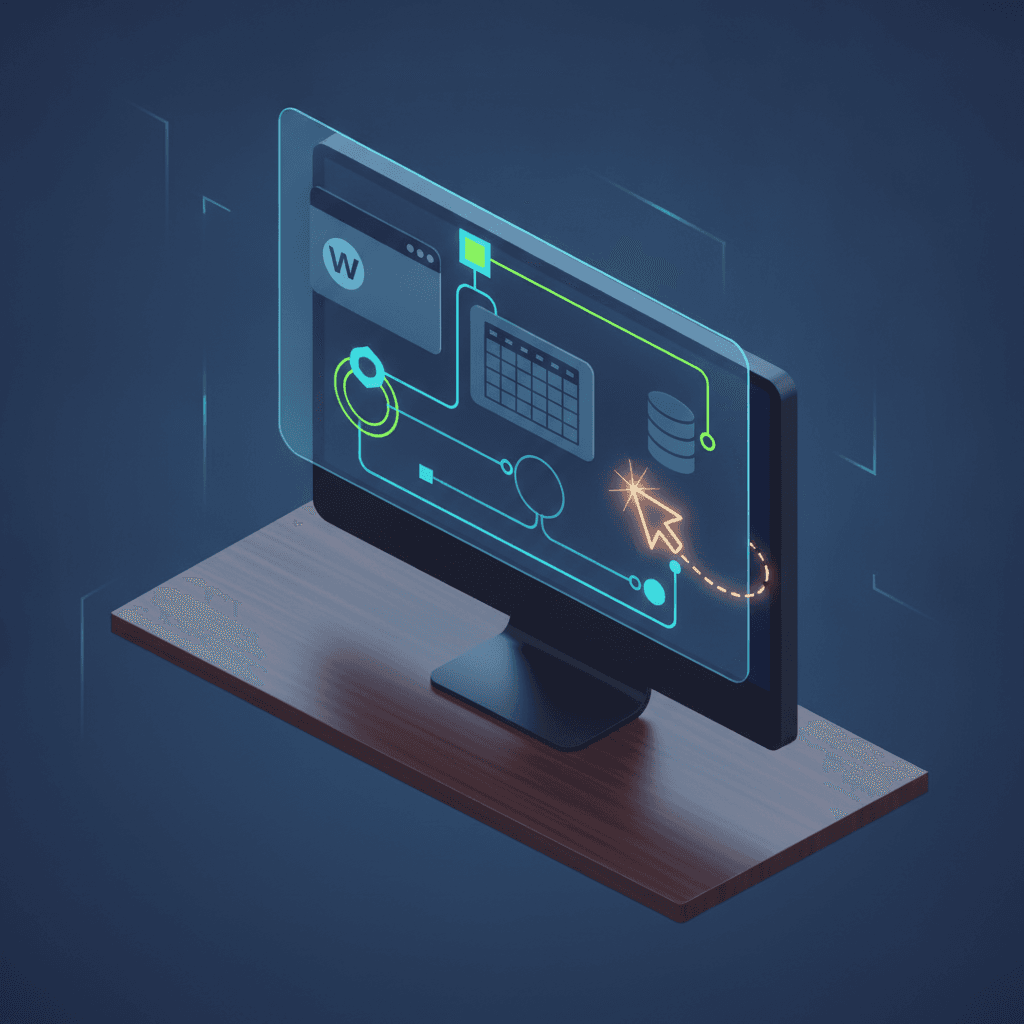
OpenAI has released a powerful new update for its Codex desktop application on macOS, introducing a feature called Record and Replay that allows the artificial intelligence to learn complex computer workflows simply by watching a human perform them once[1]. This visual automation capability represents a significant evolution in human-computer interaction, transforming Codex from a text-based dialogue assistant into an active, screen-aware digital agent[2][3]. By initiating a recording session, users can demonstrate a sequence of digital actions on their screen, which the AI then analyzes, deconstructs, and packages into a permanent, reusable automation skill[1][2]. This feature arrives as part of a broader push to make AI agents more capable of direct computer use, operating alongside users in their native desktop environments[4][3]. However, due to the complex regulatory landscapes surrounding screen recording and data privacy, OpenAI has initially restricted the rollout of Record and Replay, excluding the European Economic Area, the United Kingdom, and Switzerland from the release[4].
To train Codex using the new feature, users begin by launching the Record and Replay plugin within the Codex app interface and selecting the option to record a new skill[4][2]. After entering a brief prompt to suggest the goal, the user is prompted to grant macOS screen recording and accessibility permissions, which allow Codex to observe active screen pixels, keyboard inputs, and mouse actions[4][5]. Once recording begins, the user executes the desired workflow naturally on their Mac, such as logging into a portal, filling out forms, or transferring data between applications[4][1]. Throughout the demonstration, Codex tracks the coordinates of clicks, the text entered into form fields, and the shifting visual state of the active windows using real-time optical character recognition and computer vision[4][1]. When the user stops the recording, Codex processes the captured session[4][1]. Instead of creating a fragile, coordinate-based click macro, the model interprets the semantic intent behind each action to draft a structured automation blueprint[4][1].
This structured blueprint, which OpenAI defines as a skill, outlines precisely when to use the workflow, what inputs are required, the chronological steps to execute, and how to programmatically verify that the task was completed successfully[4][1]. Because Codex translates visual actions into a flexible, step-by-step logic model, users can review the drafted skill, make edits using plain English prompts, and refine the automation rules without writing code[4][2]. The application possibilities for this technology span a wide variety of tedious, repetitive administrative tasks that have traditionally resisted simple automation[4][2]. For example, a user can record how they file a monthly expense report, book a workspace, configure a project issue on an enterprise tracking board, publish a media file, or download recurring financial reports[4][2]. Furthermore, because these skills are inspectable and editable, organizations can share them across enterprise workspaces, allowing a single employee's recorded workflow to become a standardized, shared capability that any team member can trigger[1][2].
The release of Record and Replay reflects a profound paradigm shift taking place across the artificial intelligence sector, moving away from static prompt engineering toward autonomous execution loops[6][7]. Throughout the industry, developers are increasingly championing the concept of loop engineering, which involves designing repeatable, self-correcting systems that direct AI agents to execute tasks without constant human oversight[7][8]. Instead of a human typing a single command and manually steering the next action, modern agent architectures are built to run continuous loops that check their own progress, evaluate outcomes, and try alternative strategies if they encounter errors[7][8]. Within Codex, this philosophy is exemplified by the persistent goal mode, activated via the goal command, which allows the agent to work autonomously toward long-term objectives over hours or days, automatically monitoring its own token consumption and halting only when a defined success metric is met[9][10]. Record and Replay integrates this autonomous loop logic directly with visual computer use, enabling Codex to execute multi-step desktop tasks with minimal intervention[4][6].
This rapid expansion of capabilities has propelled Codex far beyond its original mandate as a specialized coding tool for software engineers[11][12]. While developers remain a core constituency, OpenAI reports that Codex has grown to support over five million weekly active users, with non-developer knowledge workers representing the fastest-growing segment of the user base[12]. This democratization of AI automation is supported by a growing ecosystem of plugins and browser integrations[2][12]. Earlier this year, OpenAI introduced a Chrome extension for Codex, allowing the agent to operate directly within a user's real browser session[13]. By accessing active, authenticated tabs, cookies, and login states, Codex can execute actions inside platforms like Salesforce, HubSpot, or internal company portals without the traditional headaches of API configurations[2][13]. When combined with Record and Replay, this browser-level integration allows Codex to seamlessly bridge the gap between desktop applications and web-based enterprise software, handling end-to-end workflows exactly as a human employee would[4][13].
However, the visual surveillance required to power these advanced agents raises intense questions regarding data security, user privacy, and regulatory compliance[14]. To function effectively, Record and Replay, alongside Codex's contextual memory feature known as Chronicle, must continuously record the screen, process visual data in the cloud, and store summaries of the user's desktop activities[15][14]. While OpenAI states that raw screen captures are deleted after a short window and are not used for model training, the persistent storage of plain-text activity summaries and the real-time processing of sensitive on-screen information present major hurdles for security-conscious enterprises[14]. This risk is the primary driver behind the geographical exclusion of European and British markets, where strict regulations like the General Data Protection Regulation penalize unauthorized or high-risk processing of personal data[4][14]. As AI companies push the boundaries of computer use, they must navigate a widening divide between the technological potential of visual agents and the legal requirements of global data governance[14].
Ultimately, the debut of Record and Replay on Codex represents a significant step toward a future of visual-first computer programming, where human demonstration replaces the keyboard as the primary interface for software creation[2][16]. By converting everyday actions into durable, programmatically executionable skills, the technology allows any knowledge worker to become an automation developer[2][16]. This democratization challenges legacy robotic process automation systems, which historically required expensive developer contracts to map out and maintain automated workflows[2]. As these cognitive agents acquire the ability to see screens, navigate arbitrary user interfaces, and execute complex loops across any software application, the very definition of digital work is being rewritten[7][16]. As these visual agents continue to integrate more deeply into personal computers and enterprise networks, they promise to unlock unprecedented levels of productivity while forcing industries to address profound questions regarding data security, corporate governance, and the evolving role of human labor[14][16].
Sources
[1]
[4]
[5]
[6]
[7]
[8]
[9]
[10]
[11]
[12]
[13]
[14]
[15]
[16]