

Create professional 4K artwork by blending subject, scene, and style images with advanced AI remixing technology designed for digital artists and marketers.

Nano Banana
Generate high-resolution up to 4K AI visuals, transform photos, and preserve character consistency across scenes for marketers, creators, and designers.
About Nano Banana
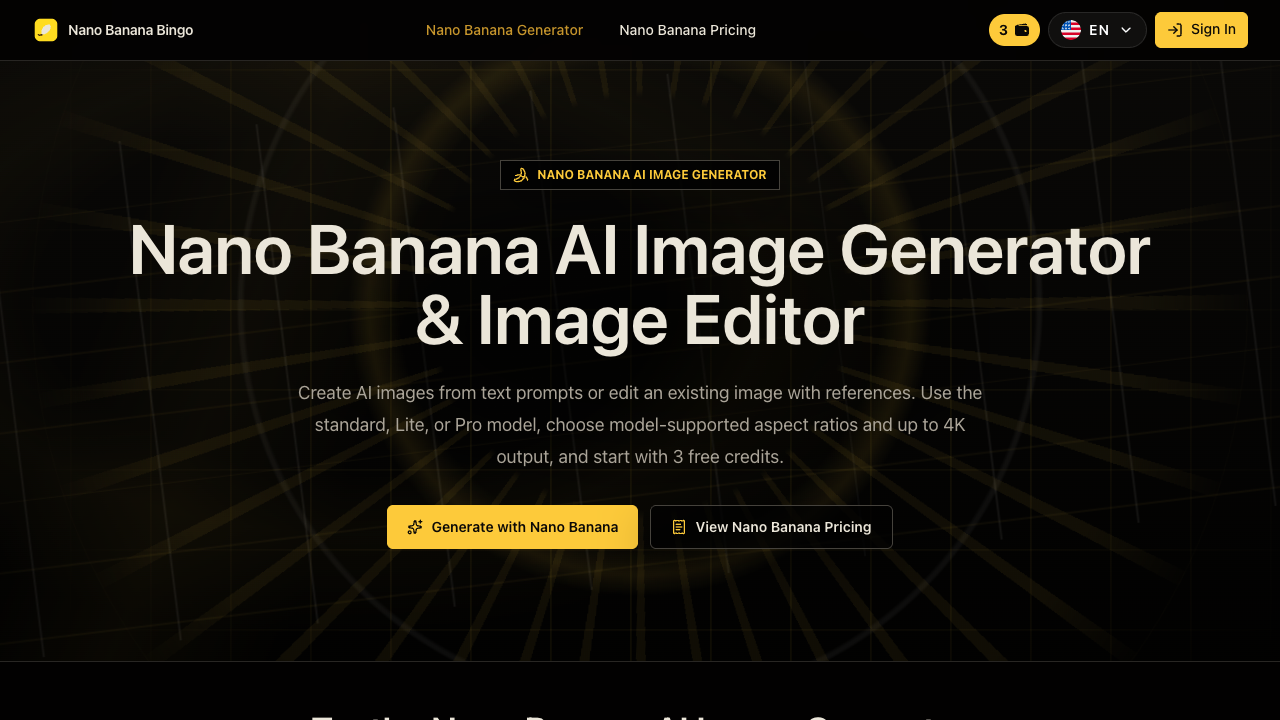
Nano Banana is a web-based AI image generation and editing tool designed to create visuals from text prompts and modify existing images using reference photos. Operating directly inside standard web browsers without requiring plugins or local GPU hardware, the platform offers three model tiers: Nano Banana 2 Lite for rapid draft iterations, Nano Banana 2 for balanced framing and resolution controls, and Nano Banana Pro for high-fidelity final renders. Users can generate standalone art, modify existing photos, adjust lighting, and transform subjects while maintaining visual consistency. The platform incorporates several specialized features aimed at content workflows. Multi-image fusion allows creators to combine up to 14 reference images into a single scene while preserving character identities across variations. Its conversational editing system enables sequential changes via simple text follow-ups, such as altering clothing or shifting backgrounds, without manual masking or layer adjustments. Furthermore, Nano Banana provides robust multilingual text rendering within generated images, ensuring accurate spelling for logos, brand graphics, posters, and product mockups. Nano Banana serves digital marketers, content creators, brand designers, and e-commerce operators who require flexible visual creation tools. E-commerce teams can place products into realistic lifestyle environments using logo references, while storyboard artists and creators rely on character consistency features to maintain identical facial features across multiple scenes. Technical illustrators and designers can also generate exploded-view product breakdowns and clean vector layouts tailored for marketing presentations. Unlike conventional image generators that struggle with precise localized editing, Nano Banana emphasizes scene preservation by keeping unedited frame regions untouched. Users can select output resolutions up to 4K studio quality across fifteen aspect ratios, choose JPG or PNG formats, and apply search grounding. The tool operates on a flexible credit system offering 3 free starter credits, monthly or annual subscription plans, and non-expiring credit packs for additional volume.
Pros & cons
Pros
- Maintains facial and subject identity across multiple generated scenes using reference photos.
- Preserves unedited frame areas seamlessly during localized scene adjustments.
- Renders legible and correctly spelled text in multiple languages directly within visuals.
- Supports up to 14 reference images and native 4K output on the Pro model tier.
- Offers 15 aspect ratios and flexible output formats in JPG or PNG.
Cons
- The Starter subscription plan does not include a commercial license.
- Free trial is limited to 3 initial credits.
- Generations with reference images cost extra credits compared to text-only prompts.
Use cases
- E-commerce brands can generate lifestyle product marketing images from logo and product reference photos.
- AI influencers and creators can keep facial features consistent across various outfits, scenes, and lighting.
- Marketing teams can design campaign posters and social assets with integrated legible text.
- Industrial designers can produce exploded-view technical product breakdowns for concept decks.
- Illustrators and storyboard artists can create multi-panel comic layouts and concept art drafts.
Features
- text-to-image generation from natural language prompts
- three model tiers for draft, balanced, or studio output
- up to 15 aspect ratios with native 4k resolution options
- multilingual text rendering for legible logos and graphics
- conversational follow-up prompts for text-based modifications
- scene preservation for localized localized image editing
- character consistency tracking across outfits and scenes
- multi-image reference fusion with up to 14 source images
Pricing
Starter
$14.90 / month
- 800 credits each month
- Prompt and reference image editing
- Multiple AI image models
- Standard generation speed
- Clean image downloads
- Private generation mode
- Basic customer support
Pro
$39.90 / month
- 1,600 credits each month
- Prompt and reference image editing
- Multiple AI image models
- Priority generation lane
- Clean image downloads
- Private generation mode
- Priority customer support
- Commercial license included
Max
$99.90 / month
- 4,000 credits each month
- Prompt and reference image editing
- Multiple AI image models
- Fastest generation speed
- Clean image downloads
- Private generation mode
- Dedicated expert support
- Commercial license included
Ultra
$299.90 / month
- 10,000 credits each month
- Prompt and reference image editing
- Multiple AI image models
- Fastest generation speed
- Clean image downloads
- Private generation mode
- Dedicated expert support
- Commercial license included
- Usage multiplier supports 1x to 5x plan expansion
Free
Free
- 3 free credits upon signup
- Browser-based generator access
- Standard generation testing
FAQs
What is Nano Banana?
Nano Banana is an AI image generation and editing tool accessible in the browser. It offers three distinct model tiers—Nano Banana 2 Lite, Nano Banana 2, and Nano Banana Pro—for text-to-image generation and reference-based editing.
Is Nano Banana free to use?
Yes, new users receive 3 free credits upon creating an account to test image generation and editing capabilities directly in their browser.
Which Nano Banana model should I choose?
Choose Nano Banana 2 Lite for quick and low-cost draft iterations, Nano Banana 2 for balanced controls and aspect flexibility, or Nano Banana Pro for maximum fidelity and native 4K output.
Can Nano Banana render on-image text accurately?
Nano Banana supports multilingual text rendering, creating legibly spelled words for logos, brand packaging, posters, and infographics directly within the image.
How does image editing work with references?
Users can attach source or style reference photos to maintain character identity, object details, or composition, then apply plain-language follow-up prompts to edit specific elements.
What resolutions and formats are available?
Nano Banana supports 1K, 2K, and native 4K resolutions across up to 15 aspect ratios, with output available in JPG or PNG format depending on the model tier.
Can I use Nano Banana images commercially?
Commercial licenses are included on paid Pro, Max, and Ultra plans. The Starter plan does not include commercial usage rights.
Ratings & reviews
No reviews yet. Be the first to share how Nano Banana worked for you.
Alternatives to Nano Banana
View all alternatives
Create professional headshots, generate anime art, and perform realistic face swaps in photos or videos with this comprehensive, free AI-powered image toolkit.

Create and edit professional-grade visuals for designers using natural language commands powered by Google Gemini for character consistency and 4K realism.

Transform text descriptions into high-resolution 4K visuals and edit photos using advanced AI models designed for digital artists and e-commerce businesses.

Create professional 4K AI images and edit them using natural language chat. Ideal for designers needing character consistency and lightning-fast marketing assets.

Generate professional 8K images, blend visuals, and train custom AI models in minutes to create on-brand content for marketing, social media, and digital art.

Create professional product photography for e-commerce using AI prompts, then automate your Instagram posts and track real-time analytics to grow your brand.

Fever Dreams is a generative AI art platform where users can create, browse, and interact with millions of AI-generated images and community-trained models.

Generate high-quality AI art from text descriptions for free using advanced models. Ideal for creators needing realistic visuals, social media posts, and NFTs.
Sponsored tools

Test your knowledge in live multiplayer Jeopardy-style trivia battles with AI-assisted grading that recognizes correct answers even with spelling mistakes.

Connect with engaged niche audiences or monetize your subscriber base through an automated marketplace featuring verified metrics and secure Stripe payments.

Monitor brand citations and prompt visibility across Google AI Overviews, ChatGPT, Perplexity, Claude, and Gemini with free 30-day answer engine reports.

Generate cinematic videos with synchronized audio and multi-modal references. Empower creators and marketers to direct consistent characters, action, and sound.

Create 2K AI videos with native stereo audio from text or images. Ideal for creators and marketers seeking rapid, studio-grade visual content production.

Generate marketing videos, AI avatars, and multi-language translations from prompts, images, or product links without any filming or manual editing.

Detect and strip hidden AI Unicode markers and rewrite sentences to eliminate statistical ChatGPT watermarks for writers, students, and content creators.